BetterEye FS25
Downloads
Drive
(primary)
Download
New to modding? How to install a mod · Is this download safe? · Mod won't load?
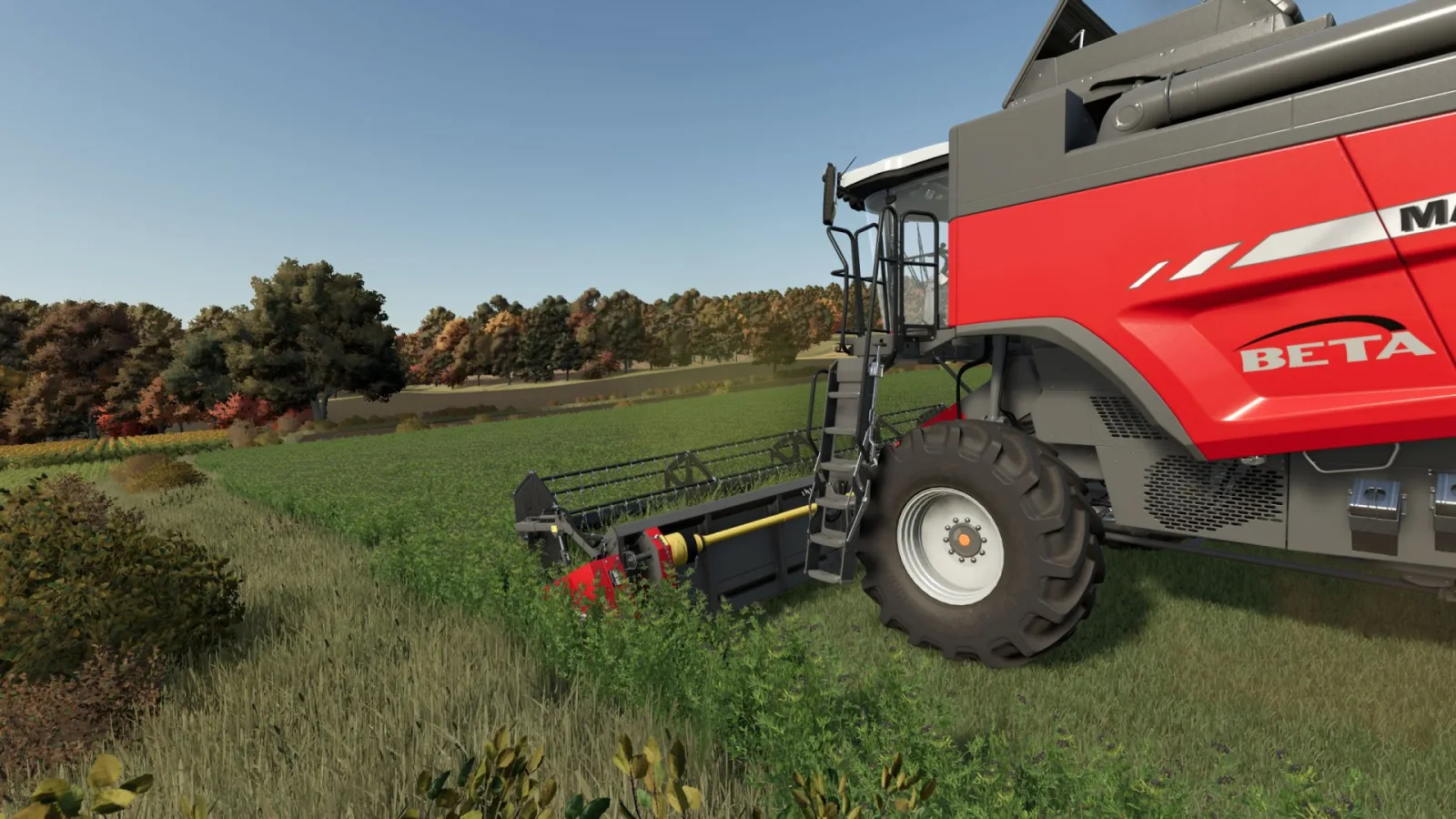
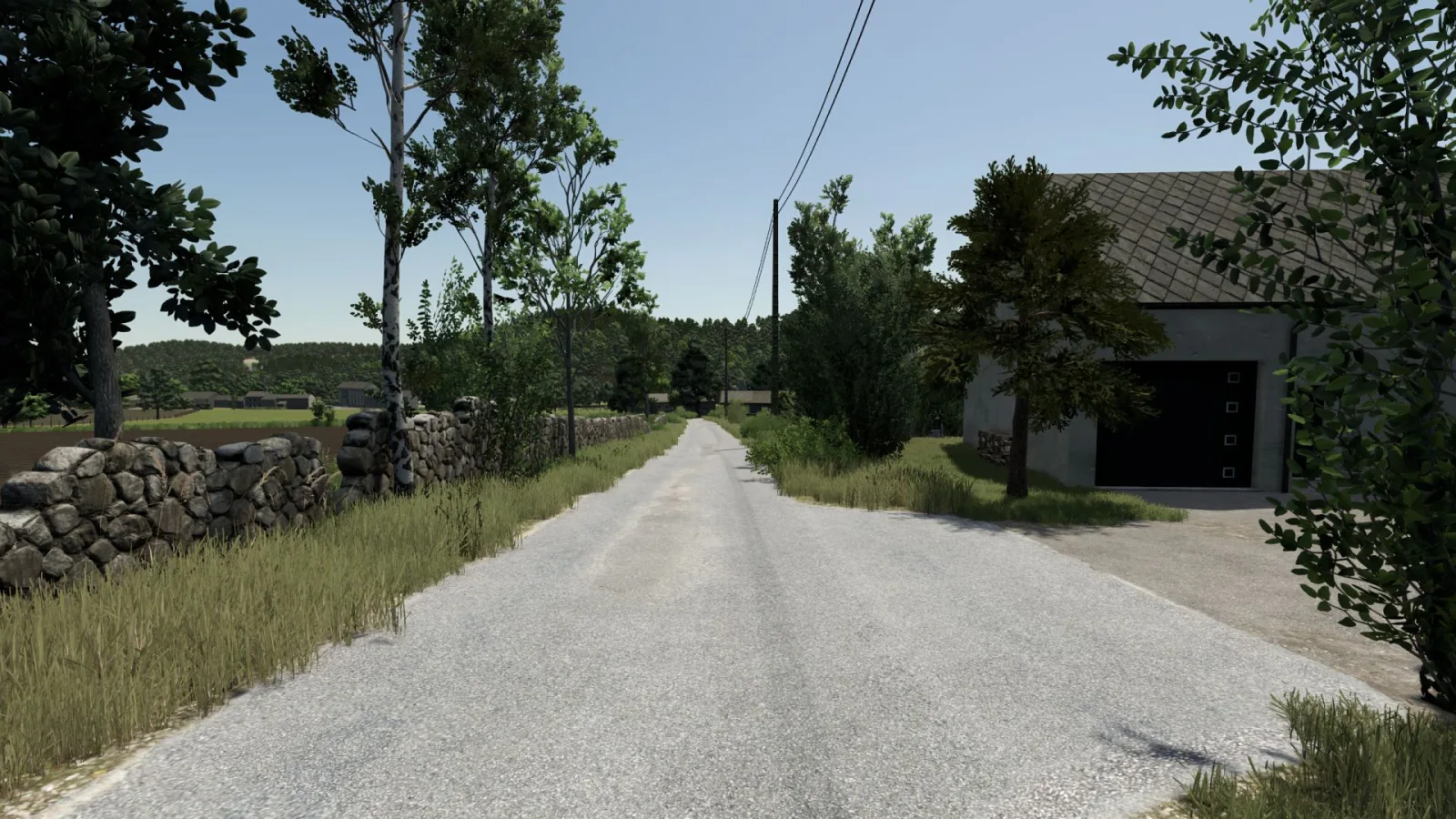
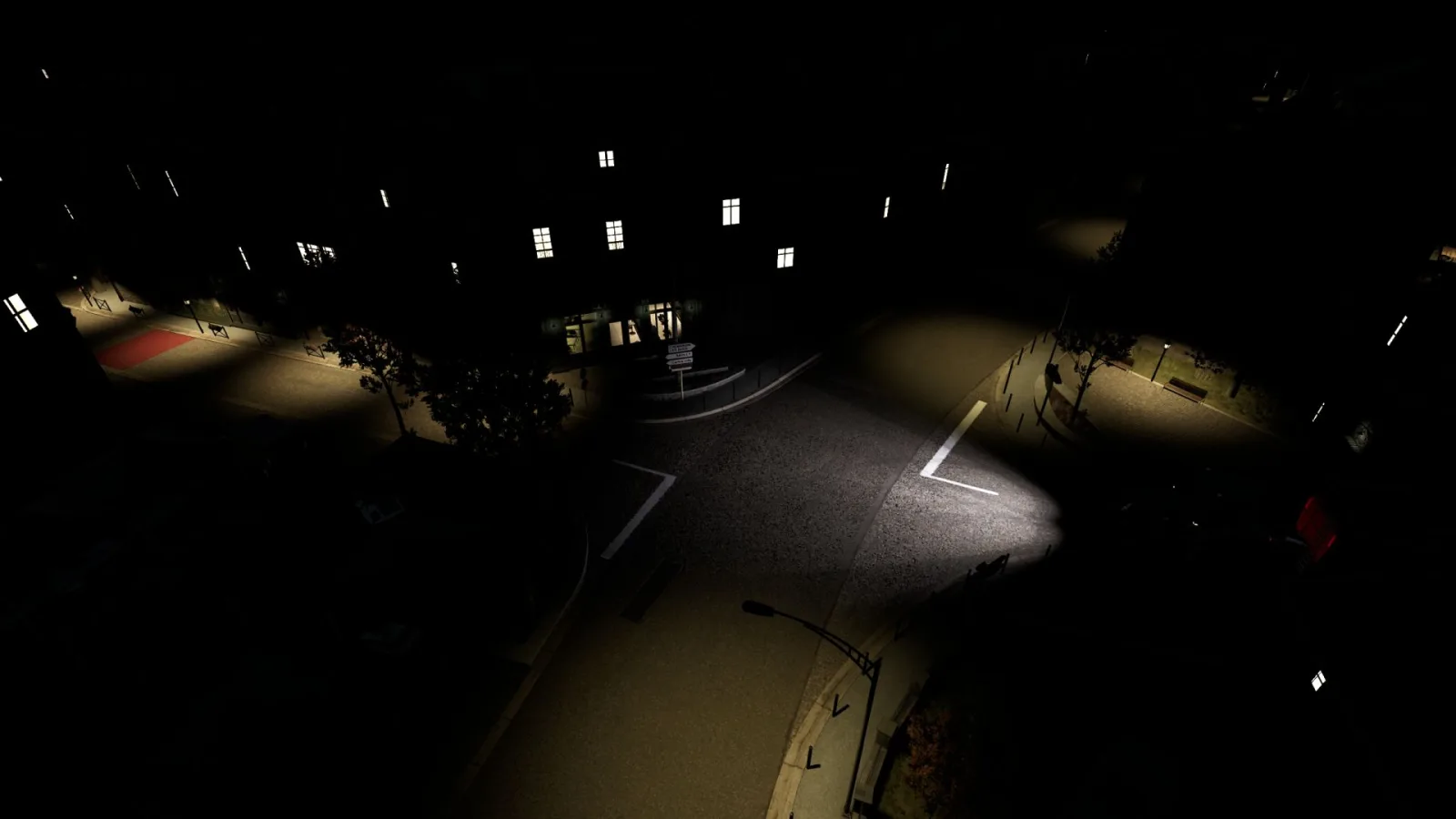
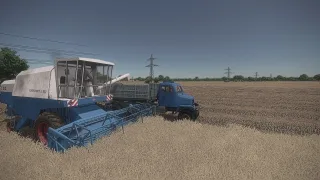
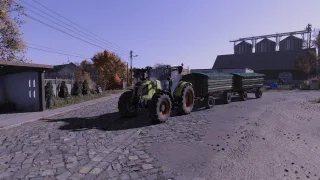
A bit colder palette, more sharpness, little bloom here and there, darker shadows, and a bit more contrast in general
Installation:
1) Unzip the archive
2) Depending on whether or not you have Reshade installed already
3) Copy the contents of the respective folder into .../Farming Simulator 25/x64 folder
4) In the game press HOME to open Reshade menu
5) Select BetterEye preset at the top - drop down menu
OPTIONAL 6) Modify to fit your style/preference
P.S. bundled Reshade version is 6.8.0
Source: www.kingmods.net
Credits
DotFX

Comments (0)
No comments yet.
Post a comment
Having trouble with this mod? Check why a mod won't load or crashes before asking below - it might already cover it.