No reports yet. If you have tried this mod, tell others whether it worked.
Reports come from visitors and are checked by a moderator before they show; nobody here has tested the mod.
No name or email is asked for. Not loading? Try the Log Doctor.
Features
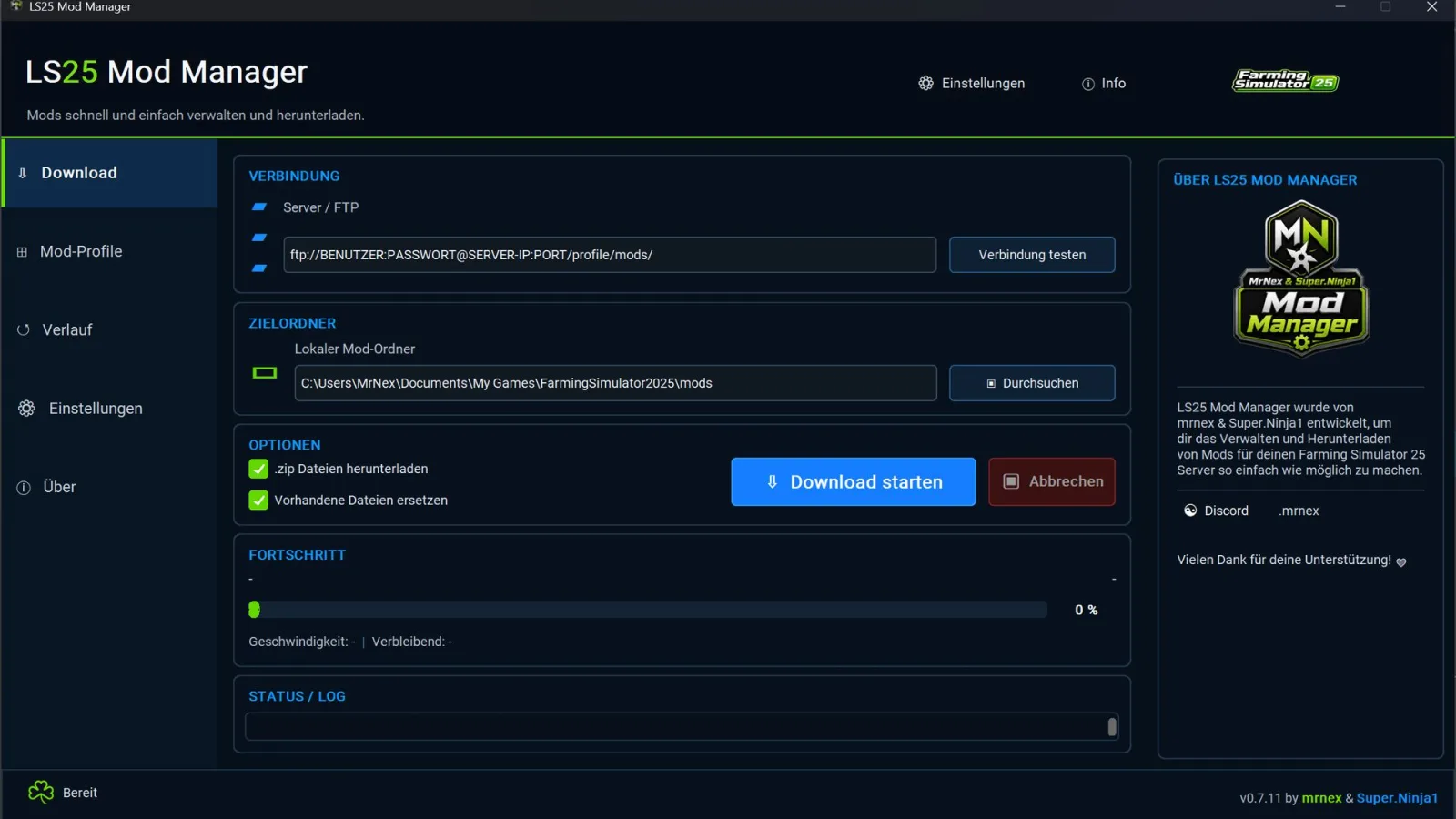
Download FTP mods
Automatically replace existing mods
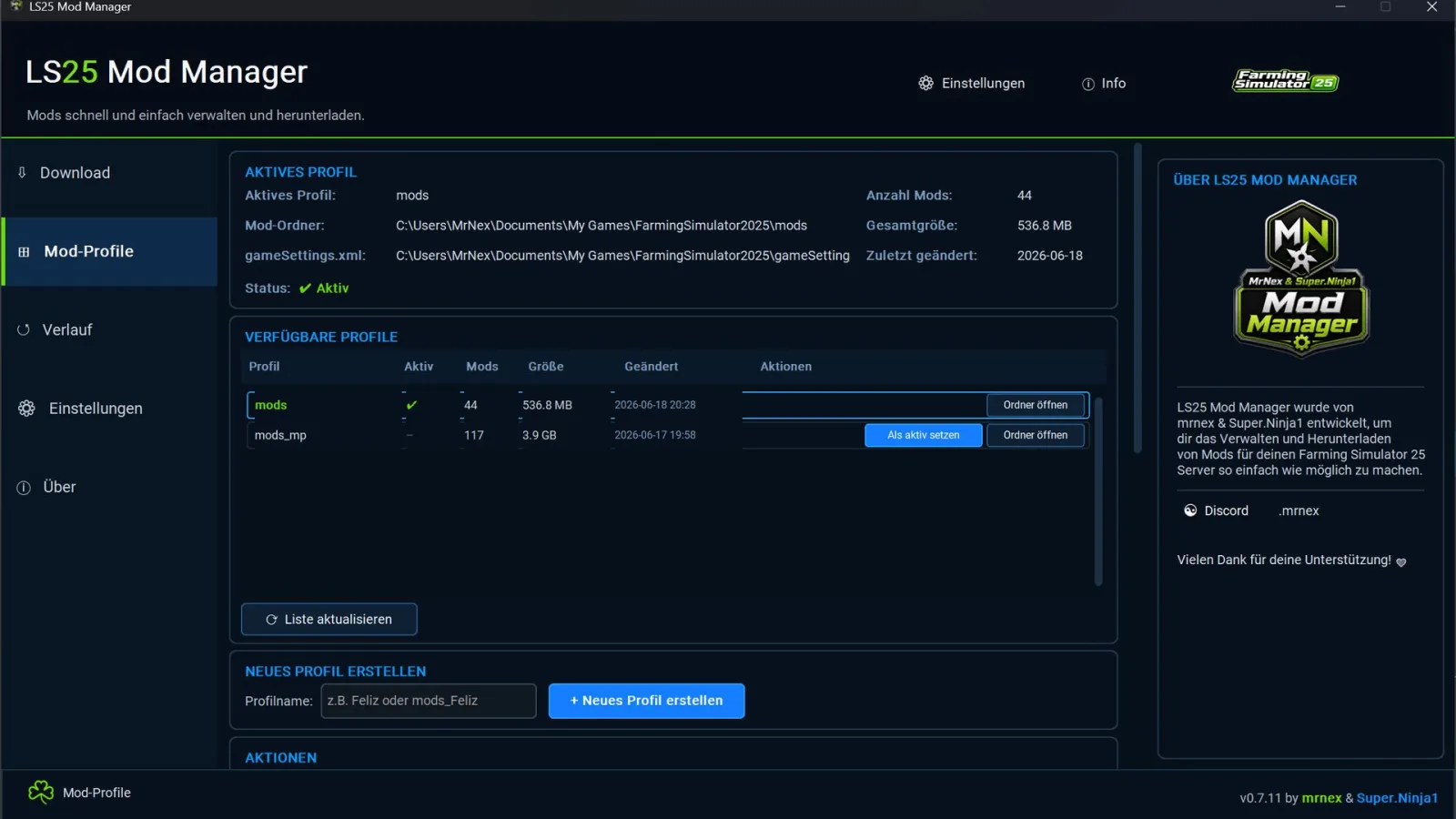
Manage mod profiles
Switch active mod folders
Use different mod folders, e.g., mods, mods_Feliz, mods_Server, mods_Test
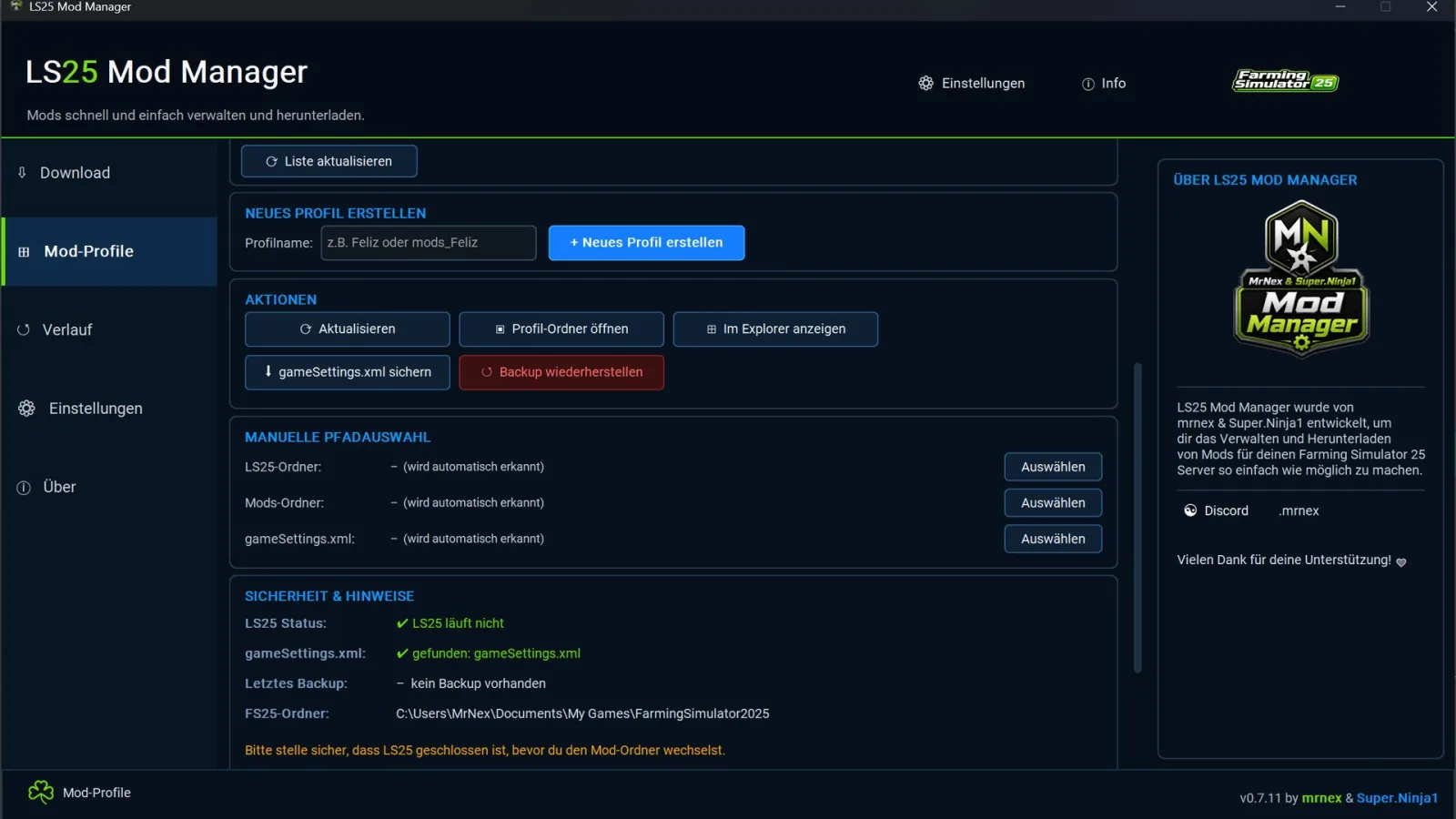
Automatically back up gameSettings.xml
Backup before each profile switch
Restore backups
LS25 process check
Profile switching is blocked if LS25 is still running
Automatic path detection for Documents / OneDrive
Dynamic detection of OneDrive special folders
Manual path selection possible
History / Log
Save settings
Dark modern design
Windows
Farming Simulator 25
LS25 must be closed before switching mod profiles
The FS25 Mod Manager is an external Windows tool for managing Farming Simulator 25 mods.
This tool lets you download mods, replace existing mods, and manage different mod profiles. This allows you to quickly switch between different mod folders, for example, for servers, maps, tests, or backups.
The tool was originally created as an FS25 Mod Downloader and has now been expanded into an FS25 Mod Manager.
Features:
Important:
Switching profiles does not automatically move or delete mods.
The tool only changes the active mod path in the gameSettings.xml file.
A backup of the gameSettings.xml file is automatically created before each change.
If Farming Simulator 25 is still running, profile switching will be blocked for security reasons.
Requirement:
Note regarding Windows SmartScreen:
Since this is a self-created external Windows tool, a Windows SmartScreen message may appear on first launch:
"The computer was protected by Windows"
This does not automatically mean that the file is dangerous. Windows often displays this message for new or unknown EXE files, especially if they are not digitally signed.
To begin:
1. Click on "More information"
2. Then select "Run anyway"
The tool is an external Windows application and not an in-game mod.
Installation:
1. Download the ZIP file.
2. Extract the ZIP file.
3. Run LS25_ModManager_v0.7.11.exe.
4. If the LS25 folder is not automatically detected, select the path manually.
5. Select the mod profile and activate it.
Further development:
The LS25 Mod Manager is still being actively developed.
Further features, improvements, and bug fixes are planned.
If you encounter any errors or something doesn't work as expected, please report it.
Feedback, suggestions, and bug reports help us to further improve the tool.
A notice:
This tool is not an in-game mod, but an external Windows application.
Use at your own risk.
Please keep your own backups before use.



Comments (0)
No comments yet.
Post a comment
Having trouble with this mod? Check why a mod won't load or crashes before asking below - it might already cover it.