Real Shader FX FS25 is a free Farming Simulator 25 mod in the Gameplay category, created by DonJuan1994. Its download links go to the original host, not a re-upload.
Latest on the source: V1.0.0.0,
released November 24, 2025.
From the changelog on the mod's original page; last checked October 21, 2026.
Check the creator's page for the newest file.
Did it work for you?
No reports yet. If you have tried this mod, tell others whether it worked.
Reports come from visitors and are checked by a moderator before they show; nobody here has tested the mod.
No name or email is asked for. Not loading? Try the Log Doctor.
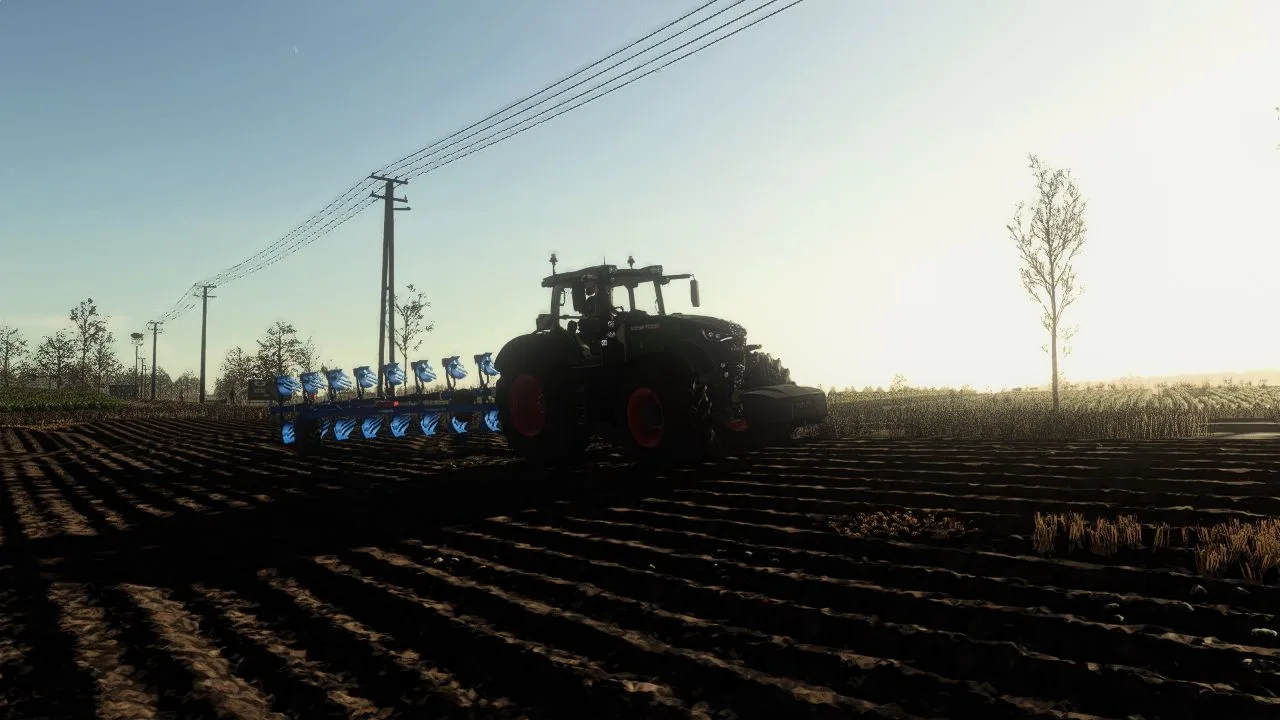
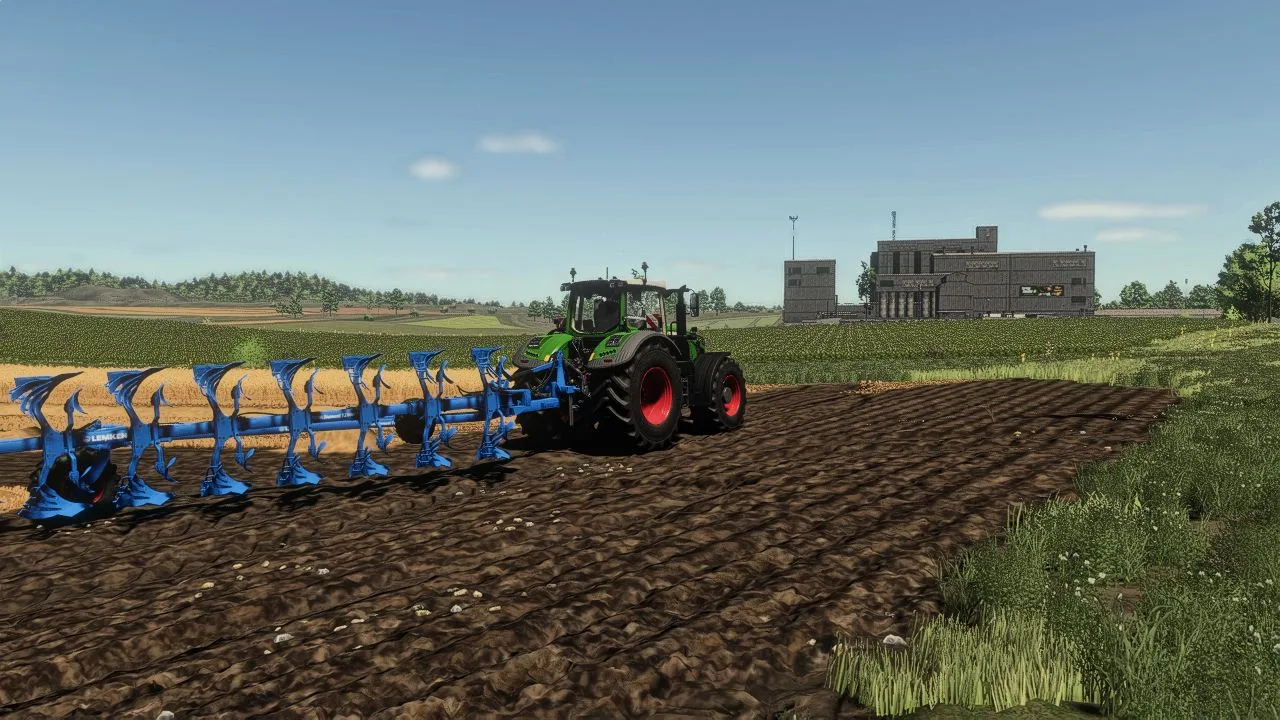
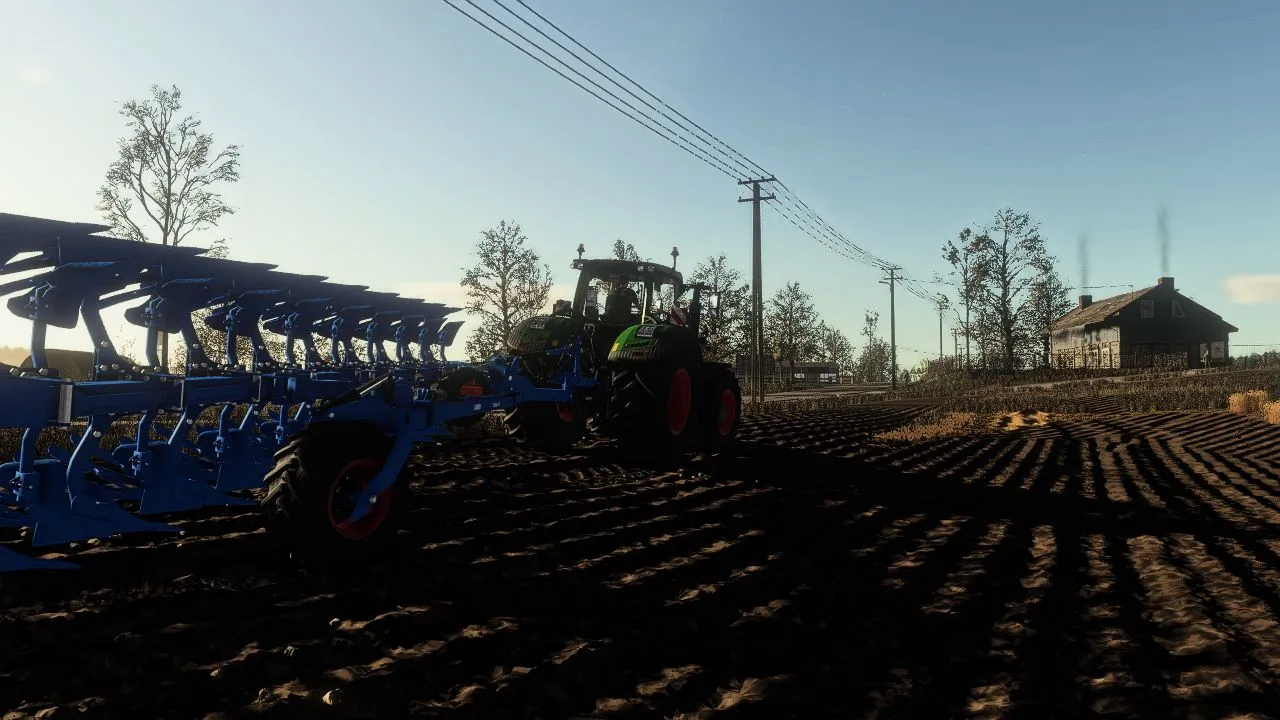
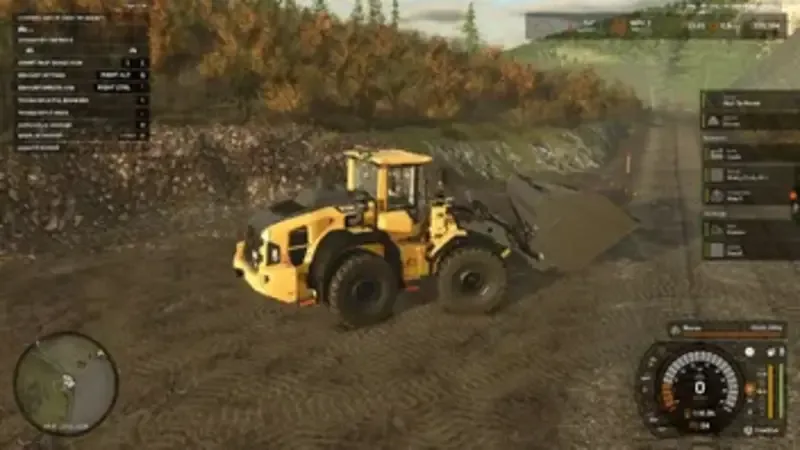
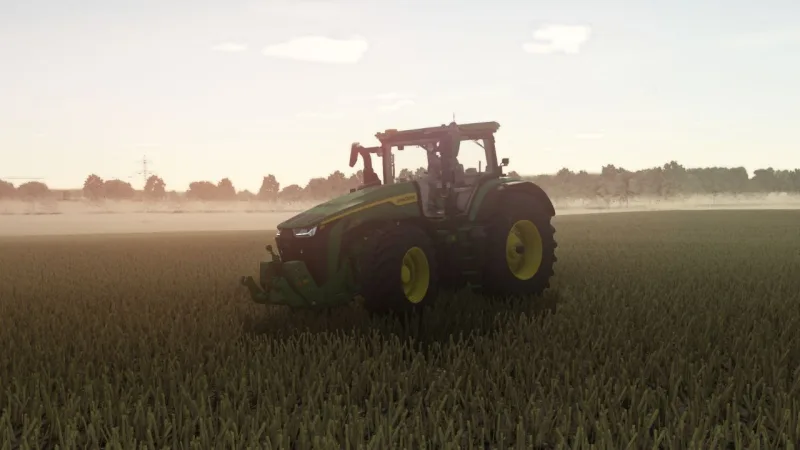
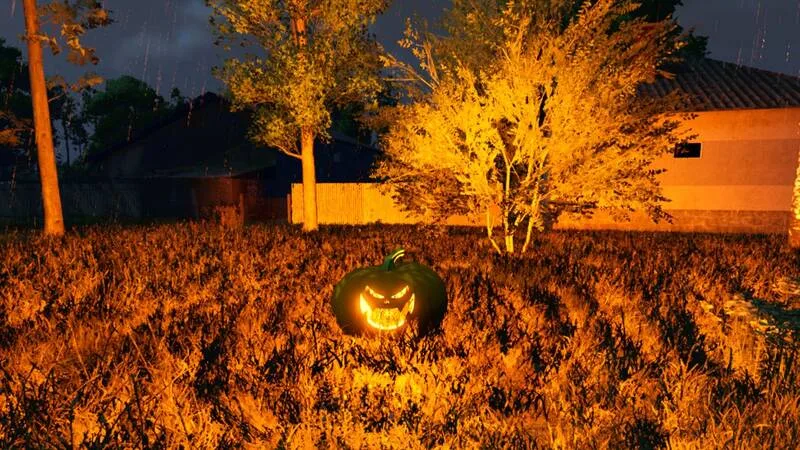
This mod introduces advanced, realistic ReShade shaders for Farming Simulator 25, giving the game deeper and more natural visuals. The lighting is carefully balanced — not overly realistic, but tuned to look beautiful, coherent, and pleasant during gameplay.
The updated lighting system not only improves the game’s appearance but also enhances the realism of sunrises and sunsets. In June, the sun sets at around 21:30, reflecting average conditions for Poland and Western Europe, making the in-game day-night cycle feel more authentic.
The mod enhances atmosphere, color balance, contrast, and scene clarity while maintaining performance and preserving the natural FS25 aesthetic.
Installation Guide
ReShade 6.6.2 is required.
Installing the shader:
Place the shader file into:
…/Farming Simulator 25/x64
Installing the lighting – option 1 (direct file replacement):
Place the lighting files into:
…/data/maps/mapEU/config
Allow the game files to be replaced.
Installing the lighting – option 2 (with AdditionalGameSettings mod):
Install the AdditionalGameSettings mod
Put the lighting files into:
…/Documents/My Games/FarmingSimulator25/modSettings/additionalGameSettings/lighting
This allows you to adjust lighting directly from the in-game menu.
Do not change the download link.
Enjoy!

Comments (0)
No comments yet.
Post a comment
Having trouble with this mod? Check why a mod won't load or crashes before asking below - it might already cover it.