Realistic Shader Stardiver2 FS25 is a free Farming Simulator 25 mod in the Gameplay category, created by Stardiver2. Its download links go to the original host, not a re-upload.
Latest on the source: V1.2.0.0,
released October 18, 2025.
V1.2.0.0Oct 18, 2025
V1.0.0.0Apr 13, 2025
From the changelog on the mod's original page; last checked October 21, 2026.
Check the creator's page for the newest file.
Did it work for you?
No reports yet. If you have tried this mod, tell others whether it worked.
Reports come from visitors and are checked by a moderator before they show; nobody here has tested the mod.
No name or email is asked for. Not loading? Try the Log Doctor.
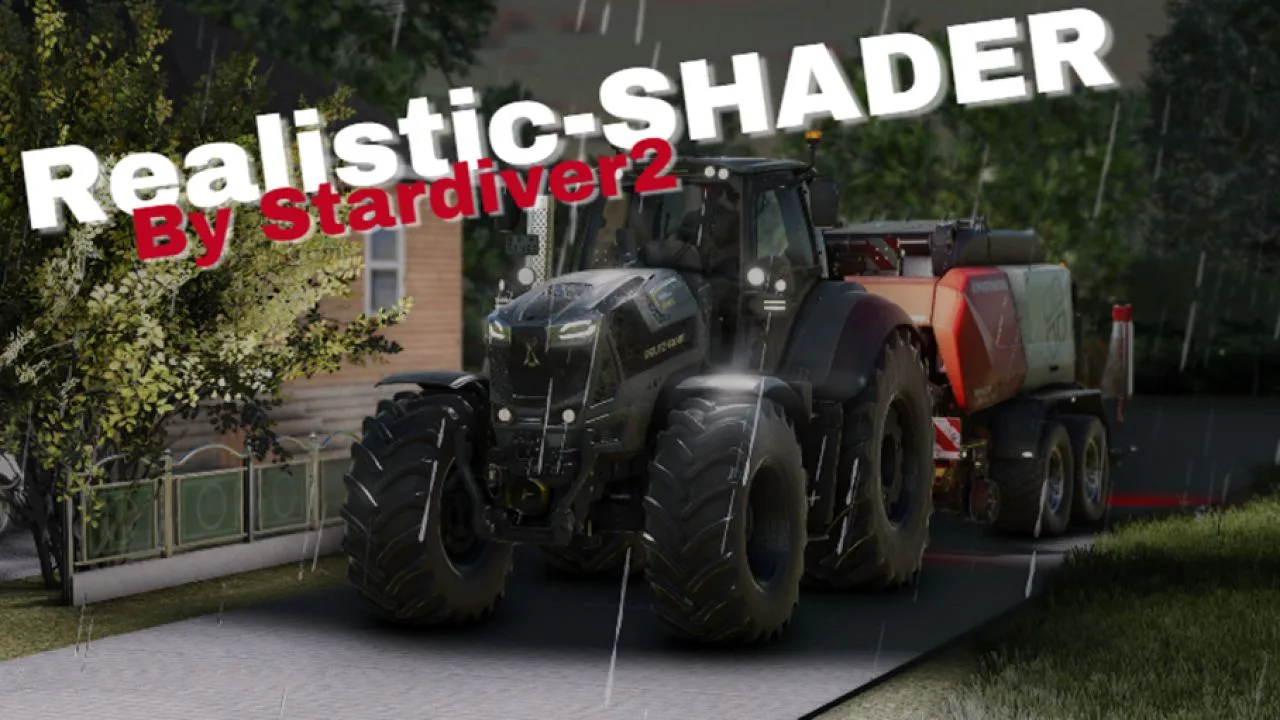
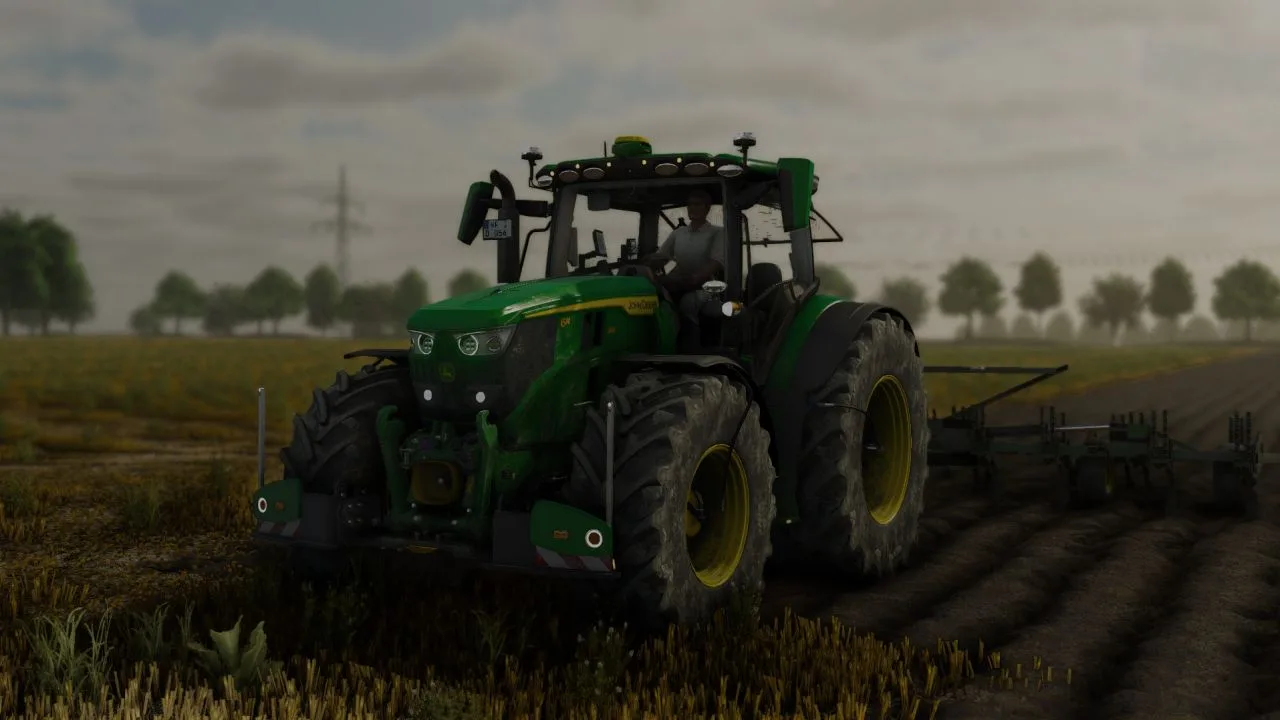
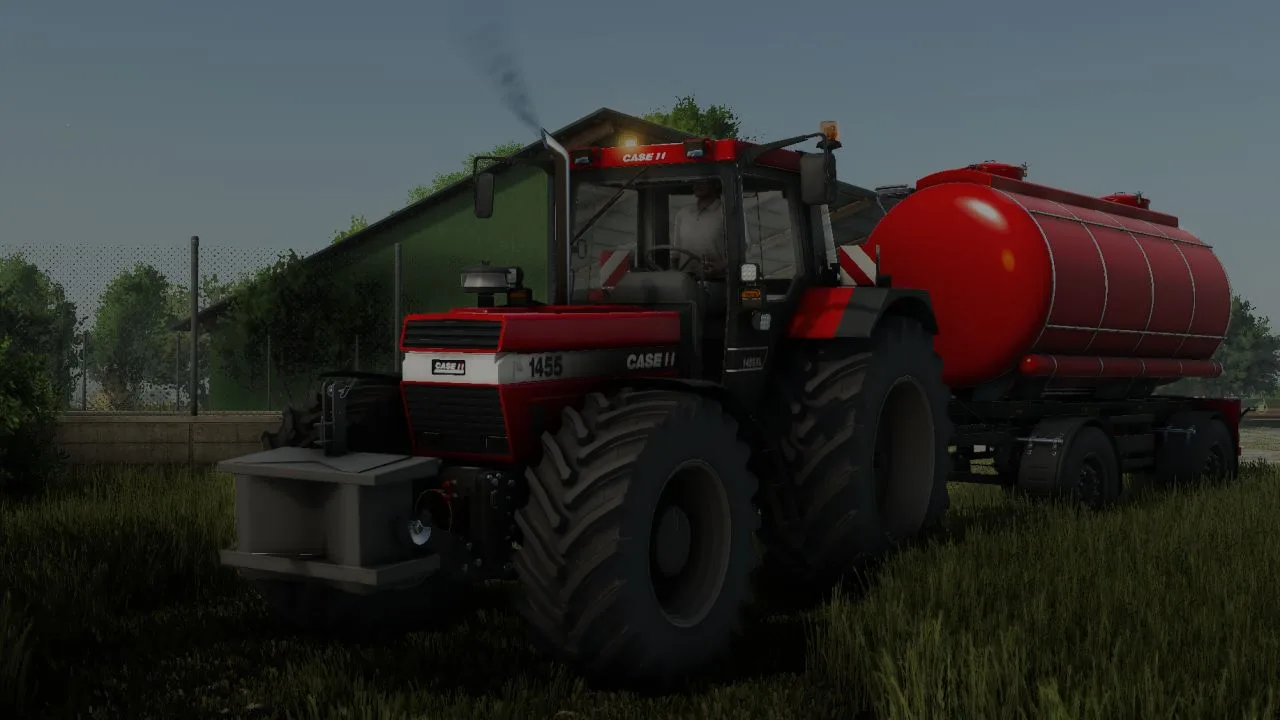
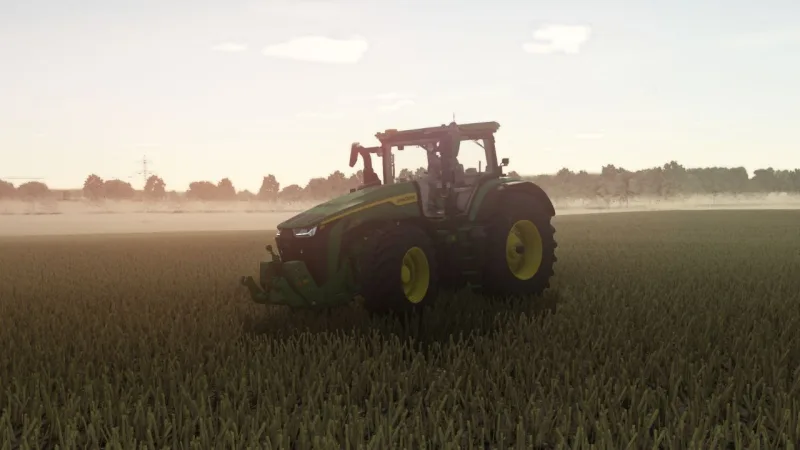
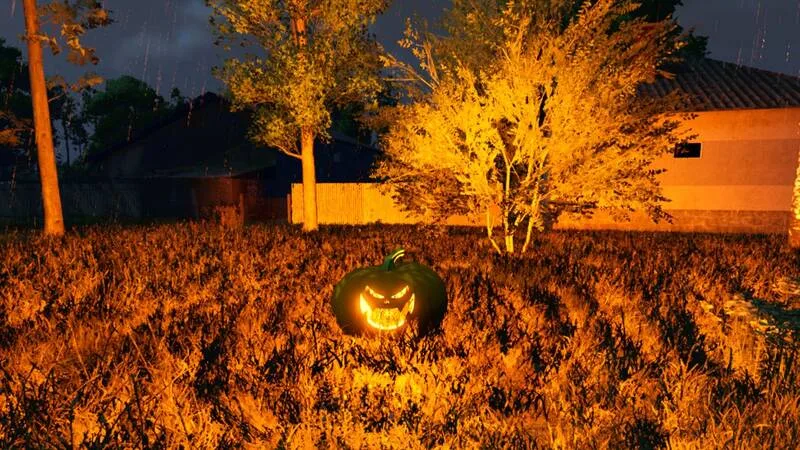
Realistic Shader - Reshade for LS25
A simple reshade preset for the LS25 with more natural colors and light.
Provides more realistic atmosphere without much frills.
Instructions for installing the Shader:
Download Reshade
Visit the website Reshade and scroll down
Download full add-on support
Installed Reshade
Leads the file and confirms the warning with OK
Be sure to close the game beforehand
Select the path
Click on Browse and seek the installation path of your game
Steam version under Programs X86> Steam> Steamapps> Common> Farming Simulator 2025> X64
Giants version under Programs> Giants> Farming Simulator 2025> X64
Select the Farmingingimulator2025Game EXE file and continue clicking
Select DirectX version
Select DirectX 10 11 12 and click on
Install effects
With the effect selection
Click all and then check all
Click Next and skip the add-ons
Import Shader
Starts the game and opens the reshade menu with the Pos1 button
Skiped the tutorial
Click on the folder symbol at the top, move the Shader file ini to the game's X64 folder and select it in the Reshade menu
Flicker
If it flickers, opens the tab Add-on or extensions in the RESHADE menu and sets a catch with the corresponding option
If you have any questions, please contact them. I'm looking forward to your feedback
Have fun trying it out
Comments (0)
No comments yet.
Post a comment
Having trouble with this mod? Check why a mod won't load or crashes before asking below - it might already cover it.