Other · · 26 views

Shader KrisiV1 FS25

Shader KrisiV1 FS25 is a free Farming Simulator 25 mod in the Other category, created by Krisii. Its download links go to the original host, not a re-upload.
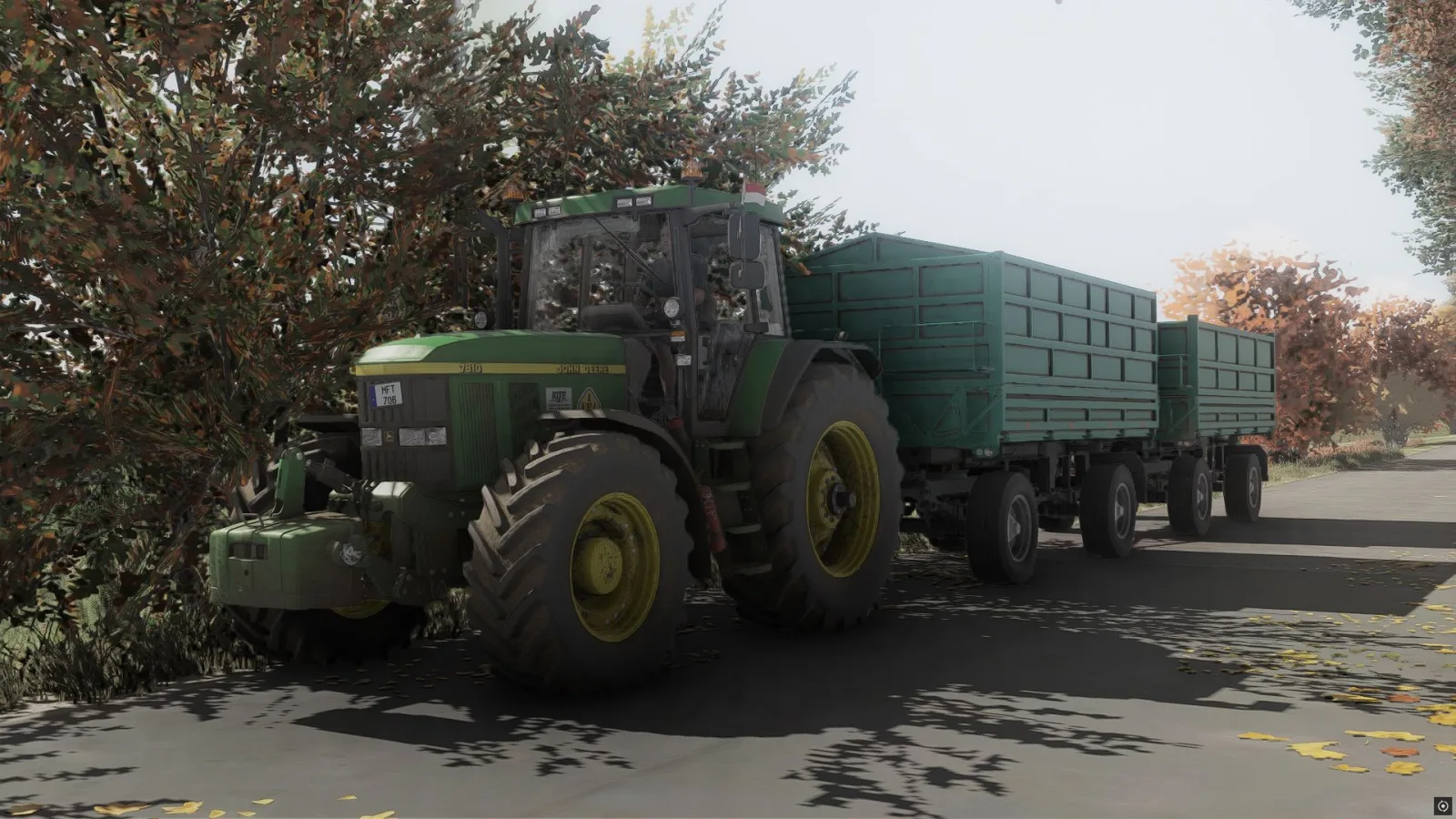
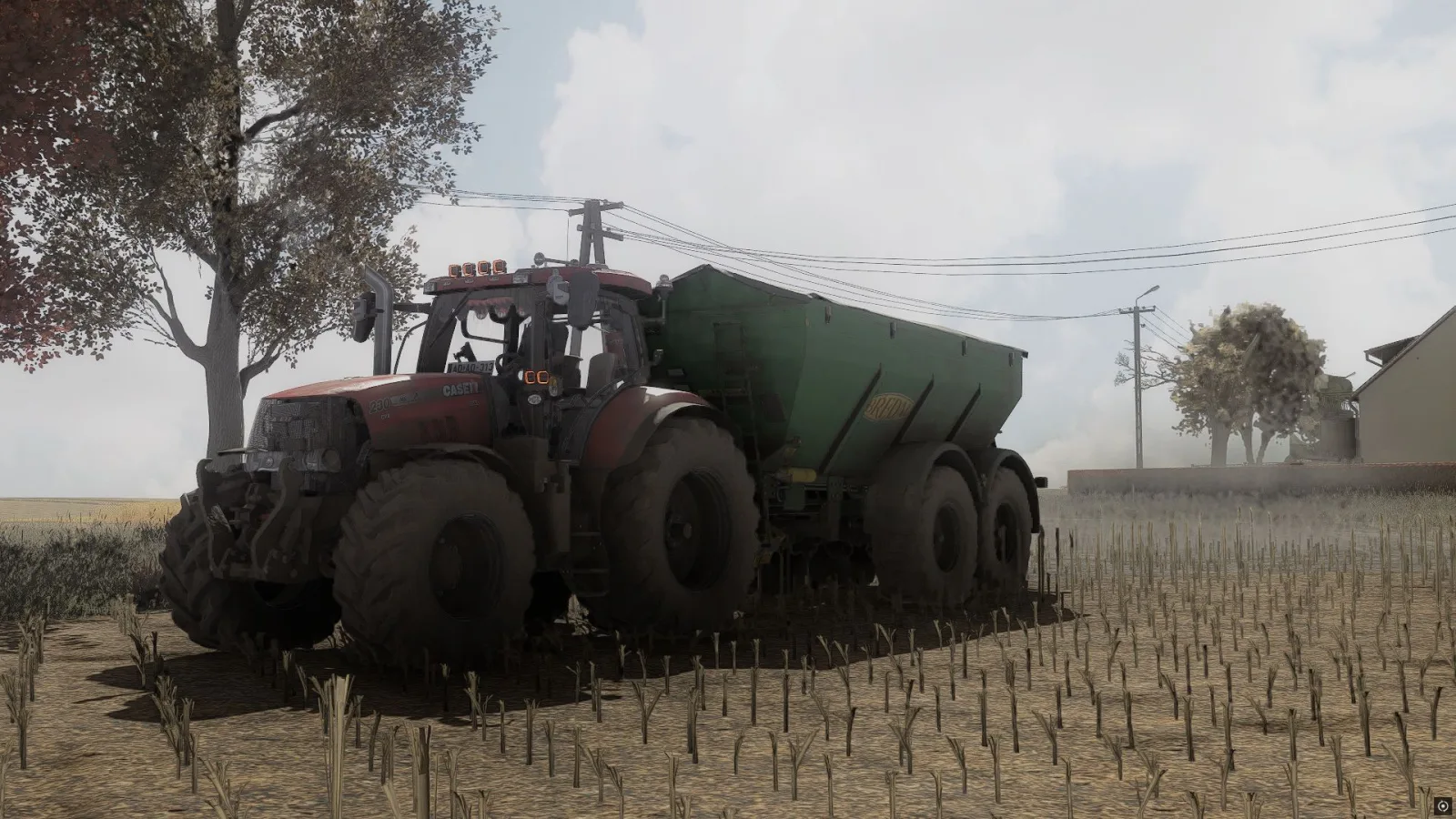
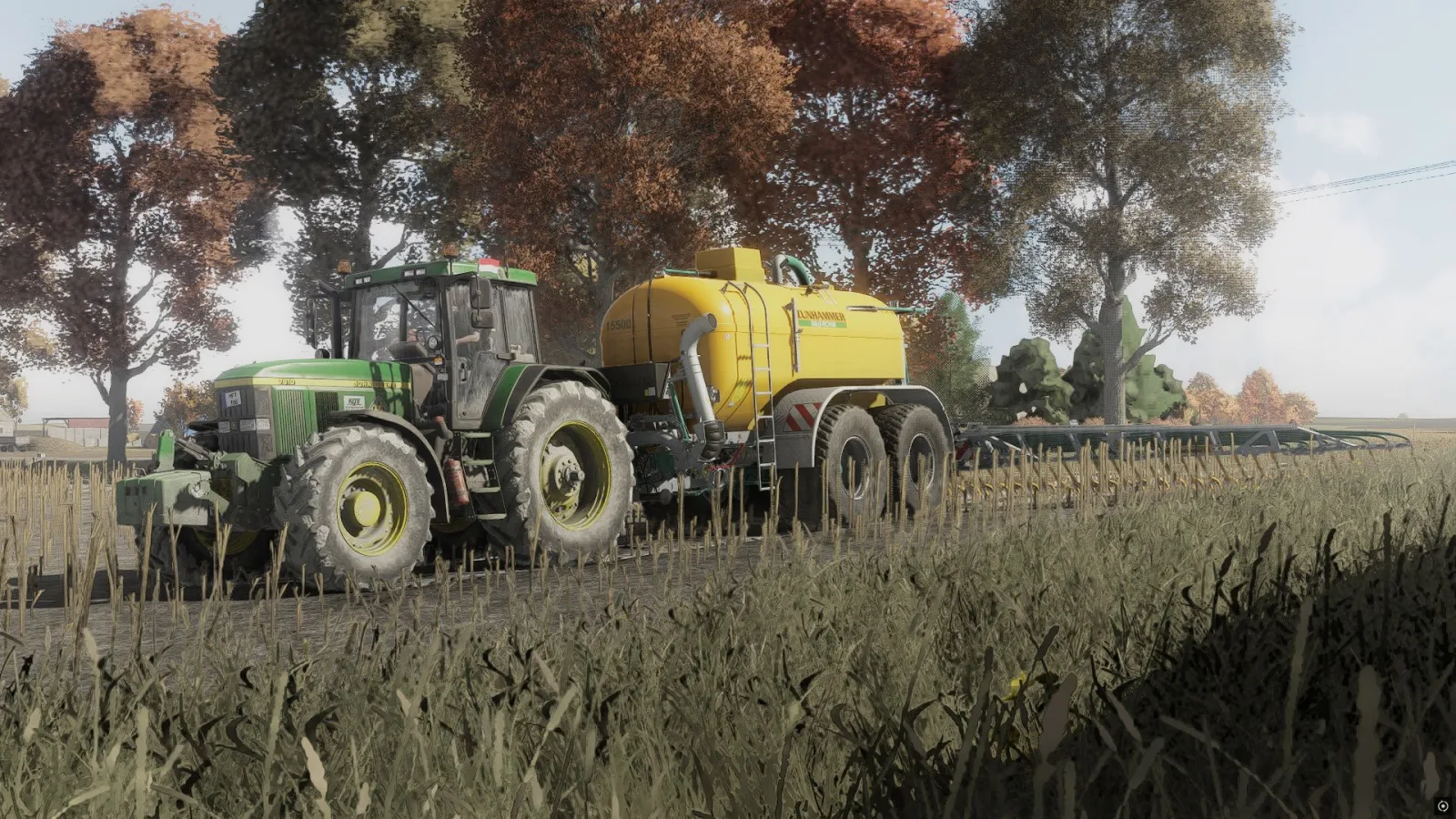
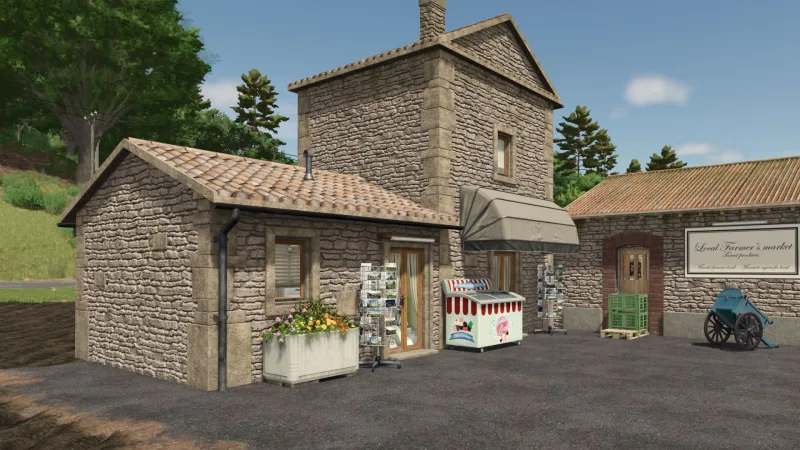
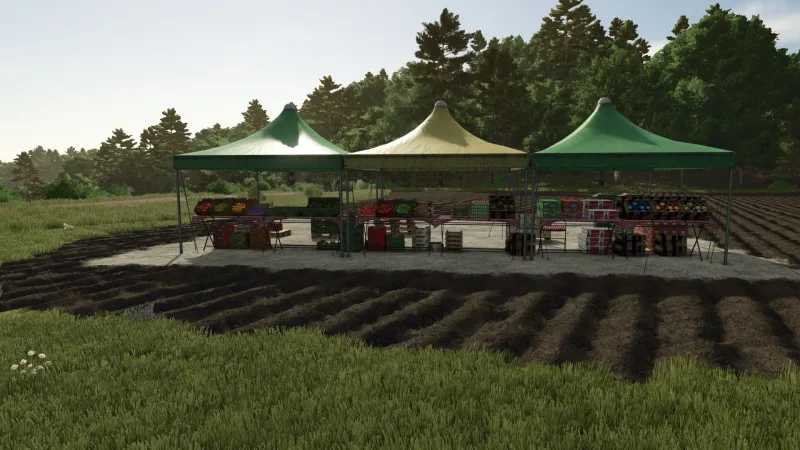
Shader KrisiV1 FS25 - screenshot 1 Shader KrisiV1 FS25 - screenshot 2 Shader KrisiV1 FS25 - screenshot 3

Screenshots are the work of the mod's creator and are shown here from the mod's original listing. Are you the creator? Ask us to remove them (done within 48 hours; how we use screenshots).

Downloads

Sharemods (primary) Download

New to modding? How to install a mod · Is this download safe? · Mod won't load? · Compare with other mods

Version history

Latest on the source: V1.0.0.0, released September 4, 2026.

From the changelog on the mod's original page; last checked October 22, 2026. Check the creator's page for the newest file.

Did it work for you?

No reports yet. If you have tried this mod, tell others whether it worked.

Did the mod work?

Reports come from visitors and are checked by a moderator before they show; nobody here has tested the mod. No name or email is asked for. Not loading? Try the Log Doctor.

Shader_KrisiV1 is a custom shader for Farming Simulator 25, created to give the game a more realistic and immersive visual style. It enhances colors, lighting, contrast and overall atmosphere while keeping the visuals natural. Perfect for everyday gameplay, screenshots and cinematic videos. ### Installation 1. Download and install **ReShade** from [reshade.me](https://reshade.me/?utm_source=chatgpt.com) for `FarmingSimulator2025.exe`. During the setup, select **DirectX 10/11/12** as the rendering API. 2. Extract the downloaded **Shader_KrisiV1** archive. 3. Move the included `.ini` file to the **`x64`** folder located in the same directory as `FarmingSimulator2025.exe`. 4. Copy the **`nextrealsim`** folder to: `modSettings → additionalSetting → lighting` 5. Start Farming Simulator 25 and press **HOME** (or **POS1**) to open the ReShade interface. 6. Open the shader preset selection at the top, choose the **Shader_KrisiV1 `.ini`** file and select it. 7. Enjoy Shader_KrisiV1! 🌾

Source: www.kingmods.net

Credits

Krisii
Comments (0)

No comments yet.

Post a comment

Having trouble with this mod? Check why a mod won't load or crashes before asking below - it might already cover it.